
Google Introduces Query Groups in Search Console Insights
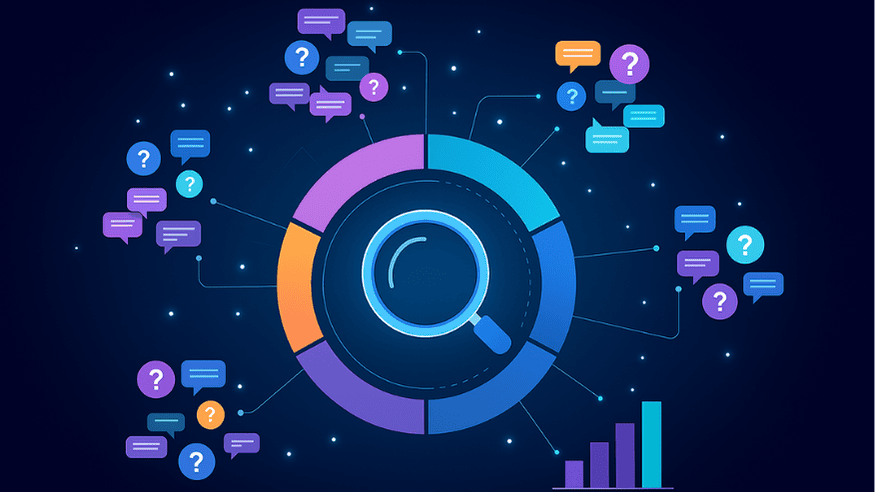
Google continues to enhance how SEO professionals analyze website performance data. In its latest October 2025 update, the tech giant introduced Query Groups in Search Console Insights — an AI-powered feature designed to simplify query analysis and reveal deeper search intent patterns.
If you’ve ever been overwhelmed by dozens of similar keyword variations in your performance report, this update will make your life much easier.
What Are Query Groups in Search Console?
Traditionally, Search Console displayed a long list of individual queries — each slightly different, but often representing the same user intent.
For example, users searching for “how to make guacamole dip” might also use:
-
- guacamole dip recipe
-
-
- easy guac dip recipe
-
- recipe for guacamole dip
Each of these queries appeared separately, making it difficult to identify the true topic driving clicks.
Query Groups solve this by grouping similar queries together using Google’s AI. Instead of analyzing each variation manually, you now see organized clusters that reflect shared search intent.
How Query Groups Work
The new “Queries leading to your site” card inside Search Console Insights displays:
-
- Group Performance: Total clicks for each query group.
-
-
- Query List: All queries within that group (ranked by clicks).
-
- Drill-Down: Click a group to explore individual queries in detail through the standard Performance report.
Additionally, Google highlights query trends using three smart categories:
-
- Trending Down: Groups losing visibility compared to before.
-
-
- Top Groups: Highest click volume overall.
-
- Trending Up: Groups gaining the most clicks vs. the previous period.
Why This Update Matters for SEO
This new feature isn’t just about cleaner data — it’s a strategic upgrade for SEOs and content marketers.
Here’s how it can help:
-
- Understand Search Intent Better: See what Google considers similar queries and understand how users phrase their questions.
-
-
- Smarter Content Strategy: Focus on topics that align with grouped intent rather than single keywords.
-
- Identify Opportunities: “Trending up” groups reveal growing interest — perfect for blog ideas or fresh landing pages.
-
- Simplify Reporting: Show clients or stakeholders high-level insights instead of overwhelming keyword lists.
-
- Track Performance Themes: Quickly identify which topic clusters are performing best.
How to Use Query Groups for SEO Planning
If you manage SEO reporting or content planning, here’s how to get started:
-
- Open Search Console Insights → Queries Leading to Your Site
Review your top, trending up, and trending down groups.
-
-
- Map Groups to Topics
Align them with your existing content themes or topic clusters.
- Map Groups to Topics
-
- Optimize for Intent
Use the most-clicked query variation as your primary keyword focus.
- Optimize for Intent
-
- Refresh Declining Groups
Revisit “trending down” groups — update or expand content to regain traction.
- Refresh Declining Groups
-
- Plan Future Content
Use “trending up” data to fuel your editorial calendar.
- Plan Future Content
Who Can Access Query Groups
Google mentioned that Query Groups will appear gradually and only for properties with large query volumes.
If your site receives limited impressions, you might not see this feature immediately — but it’s worth keeping an eye out as Google expands availability.
Final Thoughts
Google’s Query Groups in Search Console Insights is a game-changer for SEO analysis.
By using AI to organize search queries into intent-based clusters, it empowers marketers to work smarter — not harder.
At MetaEngine, we believe tools like these represent the next step in data-driven SEO.
They help bridge the gap between search behavior and content strategy, giving marketers a clearer picture of what their audiences truly want.
If you’re managing multiple websites or clients, this feature can save hours of manual keyword sorting and make your SEO reporting far more actionable.


Get a Free SEO Audit
Find issues, opportunities, and growth insights with a quick expert audit.
Categories
Explain Your Project
Countries We Serve