

The Importance of Direct Engagement in Local Search
For many local businesses, the primary goal of digital presence is to turn searchers into callers. When you optimize a Google Business Profile for more calls, you are directly influencing the customer journey at the point of intent. Unlike general traffic, a phone call indicates high purchase intent and immediate need. Google prioritizes profiles that provide clear, accurate, and easily accessible contact information to users.
Mastering NAP Consistency
The foundation of your profile begins with the Name, Address, and Phone number (NAP). Discrepancies between your profile and your website or third-party directories create confusion for Google’s algorithms. Ensure your phone number is a local number rather than a toll-free 1800 number if you serve a specific geographic area, as local numbers build immediate trust with the local community. Double-check that the phone number listed on your website footer matches exactly what is in your Google Business Profile.
Leveraging the Click-to-Call Functionality
Google prioritizes mobile-friendly experiences. When users view your profile on a smartphone, the ‘Call’ button is the most prominent feature. To optimize a Google Business Profile for more calls, you must ensure that your profile is fully verified and that the phone field is correctly populated. You should also utilize the ‘Call History’ feature if available in your region. This allows you to track missed calls and understand when your audience is trying to reach you, helping you adjust your staffing or response strategies accordingly.
Optimizing the Business Description and Services
While the phone number is the mechanical key to calls, the description and services sections provide the context that convinces users to pick up the phone. Use your business description to address specific customer pain points. Instead of a generic company history, explain how your services solve immediate problems. For instance, if you are a plumbing service, mention ’24/7 emergency leak repair’ to capture users who are likely to need a quick call rather than a website visit.
Utilizing Google Business Profile Posts
Regular updates keep your profile active and visible. Use the ‘Update’ post feature to highlight specific services that require a phone consultation. A post titled ‘Schedule Your Consultation Today’ with a direct call-to-action can bridge the gap between a passive searcher and an active caller. Keep these posts concise, relevant, and focused on the immediate benefit the customer gains by speaking with your team.
The Role of High-Quality Imagery
Visuals play a significant role in establishing credibility. Upload high-quality images of your team in action, your workspace, or finished projects. Users are more likely to call a business that appears established and professional. When a user feels they know the entity behind the search results, the barrier to making that initial phone call is significantly lowered. Ensure all images are professionally lit and clearly showcase your service area or products.
Monitoring and Responding to Reviews
Reviews act as social proof that validates your expertise. When potential customers read positive experiences, they are more inclined to trust you with their enquiry. Respond to every review, whether positive or negative. In your responses, maintain a professional tone and invite the reviewer—or others reading the review—to contact you directly if they have further questions. This demonstrates that your business is accessible and values communication.
Ensuring Mobile Optimization
Most local searches occur on mobile devices. If your business website is not optimized for mobile, you may lose the lead even after the user clicks through from your profile. Ensure that the ‘Call’ button on your website is sticky or easily accessible at the top of the screen. Integrating ‘click-to-call’ links throughout your landing pages ensures that no matter where a visitor lands, they are only one tap away from a phone call.
Tracking and Analyzing Performance
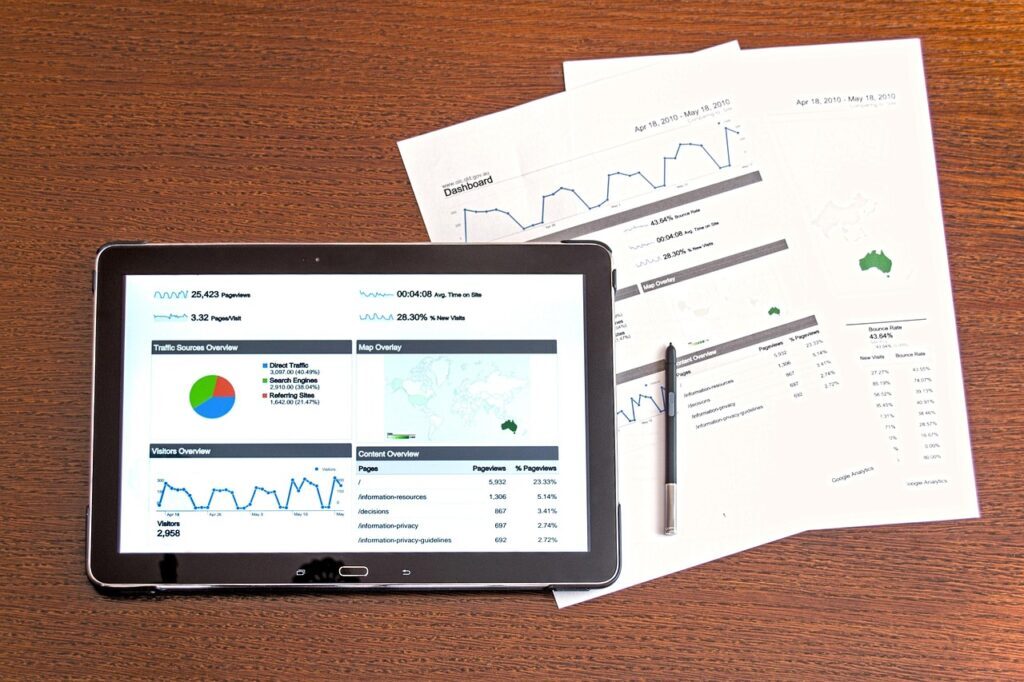
To truly optimize a Google Business Profile for more calls, you must understand your data. Use the ‘Performance’ tab within your dashboard to track ‘Calls’ as a metric. Compare the volume of calls over different months to identify trends. Are calls peaking on specific days or times? Use this information to ensure you have coverage during high-volume periods. If you notice a drop in calls despite steady views, revisit your primary category and service offerings to ensure they accurately reflect what the market currently demands.
Best Practices for Call Handling
Optimizing your profile is only half the battle; how you handle the resulting calls is critical. Ensure your team is trained to answer queries promptly and professionally. If a customer is reaching out based on a Google search, they often expect immediate assistance. If you are frequently missing calls, your reputation may suffer, which will eventually be reflected in your review score and influence your search ranking. Consider implementing a call answering service or an automated system if your capacity is limited.
Final Steps to Maximize Conversions
Consistency and maintenance are the keys to long-term success. Schedule a monthly audit of your profile. During this audit, verify that your hours are accurate, your phone number is correct, and your service categories remain relevant to your current business model. By consistently refining your presence, you ensure that you remain the top choice for users seeking your services in local search, effectively turning your profile into a reliable lead generation machine.